Using HypeMyStream
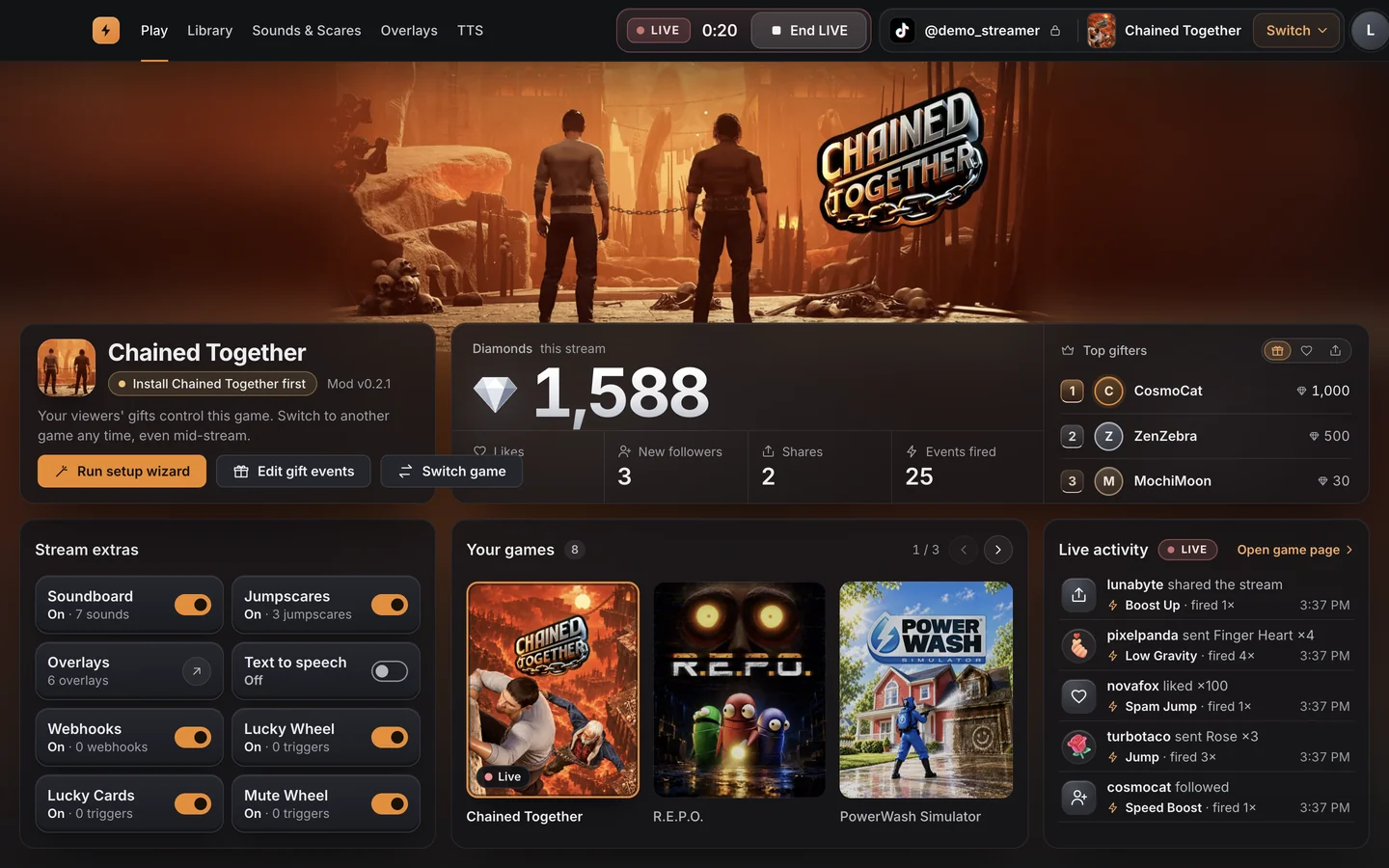
These pages cover the everyday loop: pick a game, decide what viewers can set off, go LIVE.
| Page | What it covers |
|---|---|
| Games and mods | The Library, adding a game, installing its mod, and which games don’t work in the self-hosted release. |
| Go LIVE on TikTok | Your username, the Euler Stream sign key, connecting, the offline simulation, and every connection error. |
| Commands, gifts and likes | How gifts, likes, follows, shares and chat commands turn into actions in your game. |
The short version:
- Library → Add a game, then open it with View.
- On the game’s page, click Install & Set Up and follow the setup wizard.
- Under Gift events, click Add gift event and map a few gifts to things that happen in the game.
- Start your LIVE on TikTok, then click Go LIVE in the top bar.
New to the app? Start with First run.