Install on Windows
HypeMyStream is released as a Windows installer for Windows 10 and 11 (64-bit). It installs for your Windows user only and does not need administrator rights.
Download
- Open GitHub Releases.
- Under the newest release (for example HypeMyStream 0.4.0, tag
v0.4.0), open Assets. - Download
HypeMyStream-<version>-setup.exe.
You only need the .exe. The .blockmap and latest.yml files next to it are update metadata.
The release with the tag mods-v1 holds the game mods. You don’t download those yourself: the
app fetches each one when you install a game.
Run the installer
- Double-click
HypeMyStream-<version>-setup.exe. - The installer is not code-signed, so Windows SmartScreen may show Windows protected your PC. Click More info, check that the file name is the one you downloaded, then click Run anyway.
- The installer runs without further questions. It adds a HypeMyStream shortcut to the Start menu and the desktop, then starts the app.
To be sure the file is the published one, compare its SHA-512 with the sha512: line in the release’s latest.yml.
In PowerShell, in your Downloads folder (use your file name):
$bytes = [IO.File]::ReadAllBytes("$PWD\HypeMyStream-0.4.0-setup.exe")
[Convert]::ToBase64String([Security.Cryptography.SHA512]::Create().ComputeHash($bytes))
The output must match the sha512: value exactly.
This release uses the same app identity as the original HypeMyStream app. If the original app is installed on the same Windows user, this installer replaces it and uses its data folder.
First start
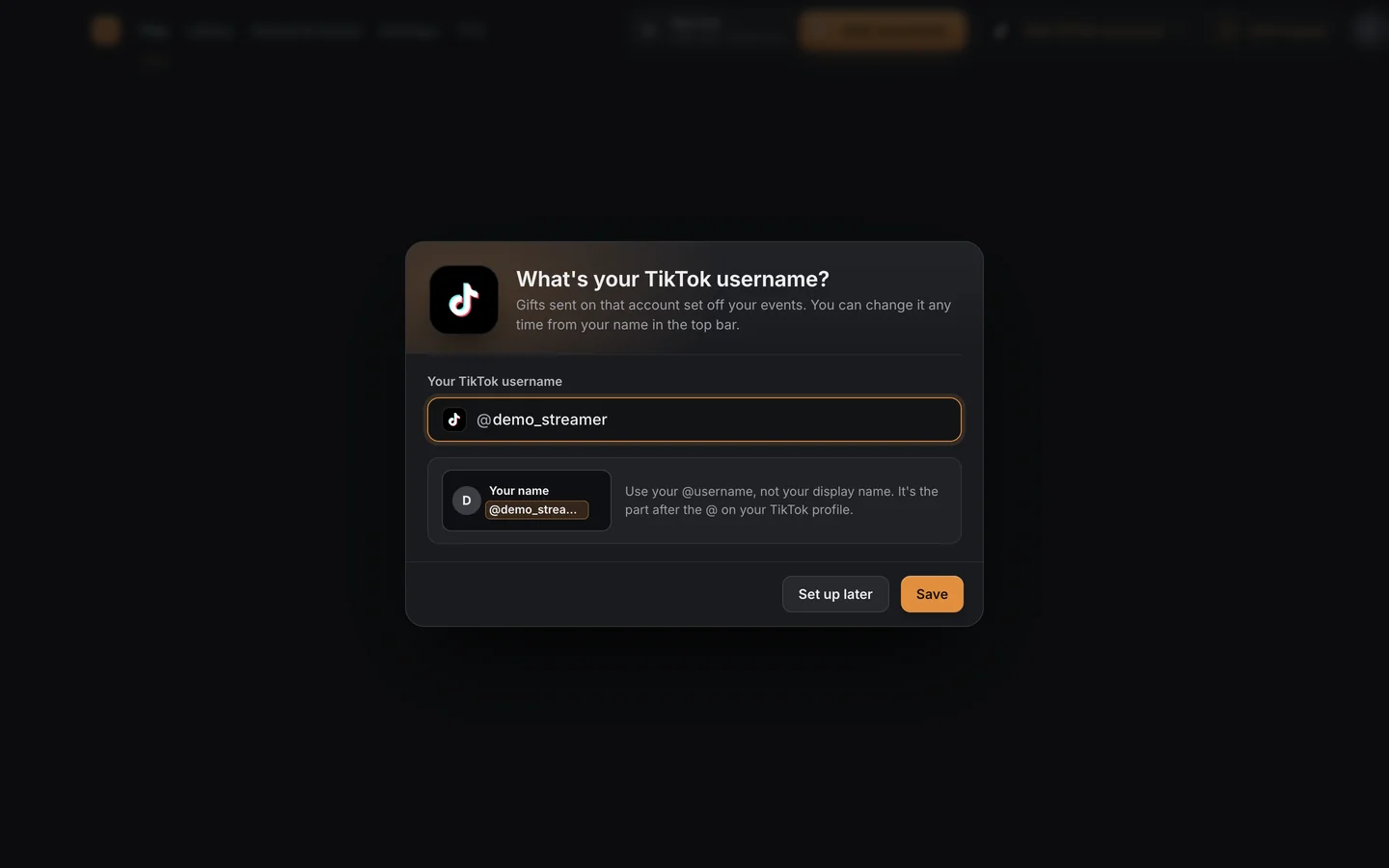
The app opens straight on the Play page. There is nothing to sign up for and no login. It asks for your TikTok username first; First run takes it from there.
Where your data lives
Everything you set up stays on your computer, in the app’s data folder:
| System | Data folder |
|---|---|
| Windows | %APPDATA%\hypemystream |
| macOS (from source) | ~/Library/Application Support/hypemystream-dev |
| Linux (from source) | ~/.config/hypemystream-dev |
When you run the app from source, it uses a separate hypemystream-dev folder (on Windows
%APPDATA%\hypemystream-dev), so a test run never touches the data of your installed app. See
Build from source.
What is inside:
| File or folder | What it holds |
|---|---|
local-unlimited-state.json |
Your setup: games, gift events, sounds, jumpscares, overlays, Lucky Wheel and Cards, Mute Wheel, TTS settings. Uploaded sounds and pictures are stored inside this file. |
local-settings.json |
The TikTok LIVE settings, including your Euler Stream sign key. |
sessions/ |
App logs. |
web-games/ |
The hosted web games (Dropper, Strimmer, Leaf Blower) you have launched, downloaded on first launch. Safe to delete; they are downloaded again. |
- Back up: close HypeMyStream and copy the whole folder.
- Start over: close HypeMyStream and delete (or rename) the folder.
- Mods are not in this folder. They are installed into each game’s own folder.
To open the folder, press Win+R, type %APPDATA%\hypemystream and press Enter.
Update
The app does not update itself. To update:
- Download the newer
HypeMyStream-<version>-setup.exefrom GitHub Releases. - Close HypeMyStream.
- Run the new installer. It installs over the old version and keeps your data.
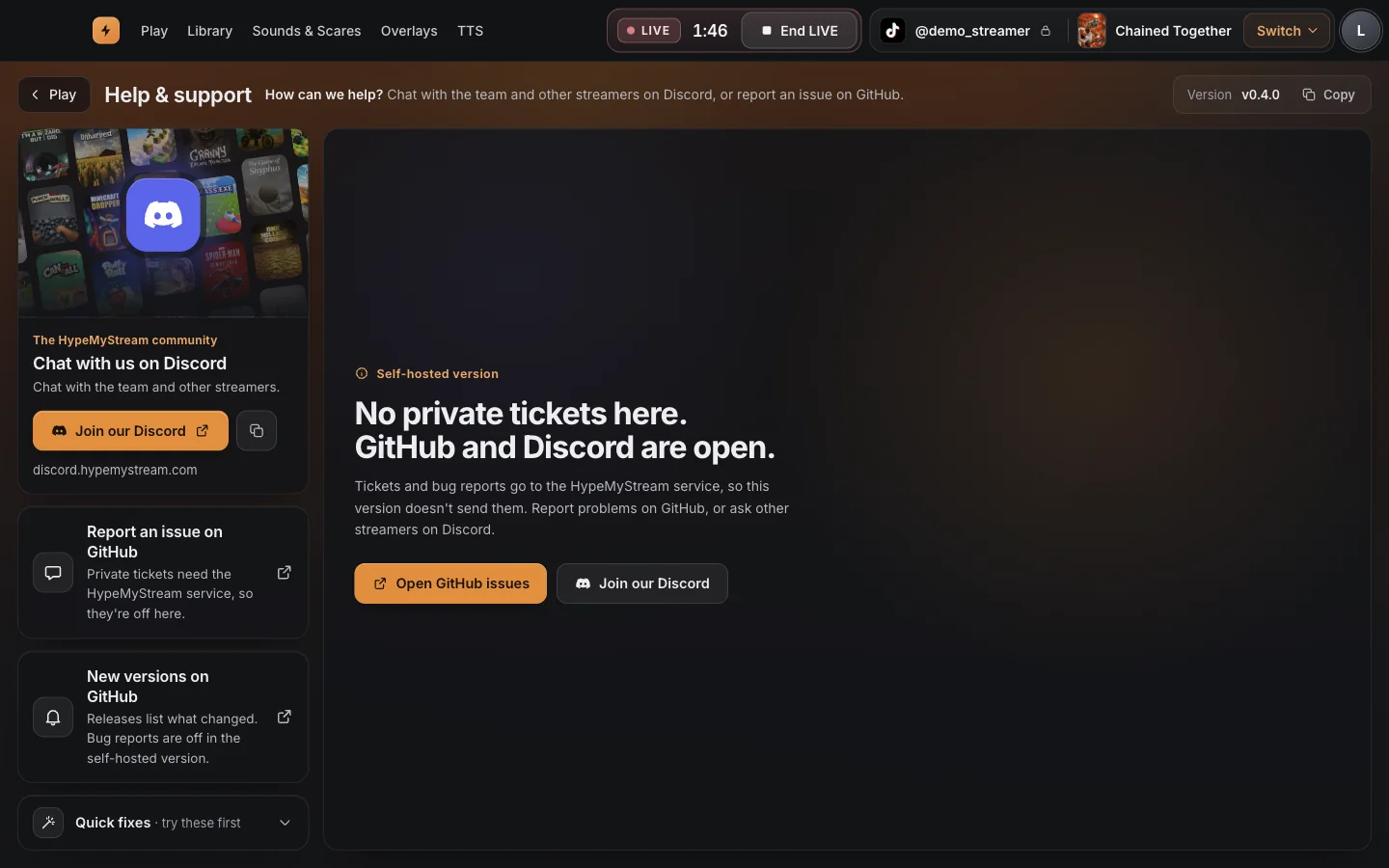
In the app, Settings → App says New versions are on GitHub Releases, with a Releases button that opens the Releases page. Help & support has the same link under New versions on GitHub.
Uninstall
- Open Windows Settings → Apps → Installed apps (on Windows 10: Settings → Apps → Apps & features).
- Find HypeMyStream and choose Uninstall.
The uninstaller removes the app but leaves your data folder (%APPDATA%\hypemystream) and the mods inside your game
folders. Delete the data folder yourself if you want it gone. To remove a mod, use the game’s page in HypeMyStream
before you uninstall.
Other systems
There is no installer for macOS or Linux. You can run the app from source there; see Build from source.