Features
Besides controlling your game, HypeMyStream can react to your viewers in other ways: sounds, jumpscares, overlays on your stream, text to speech, random wheels and webhooks. All of them run on your computer and react to the same TikTok LIVE events: gifts, likes, follows, shares and chat.
Most of these react only while you’re LIVE. To try them without a real LIVE, turn on the offline simulation (Settings → TikTok LIVE → Offline simulation) and press Go LIVE. See Go LIVE on TikTok.
Where to find each feature
| Feature | Where to open it | Page |
|---|---|---|
| Soundboard and jumpscares | Sounds & Scares tab in the top bar | Sounds and scares |
| Text to speech | TTS tab in the top bar | Text to speech |
| Overlays (goals, alerts, top lists, coin jar…) | Overlays tab in the top bar | OBS and LIVE Studio overlays |
| Banner overlay (which gift does what) | A game’s page → Banner overlay card | Banner overlay |
| Lucky Wheel and Lucky Cards | Account menu → Lucky Wheel or Lucky Cards | Lucky Wheel and Lucky Cards |
| Mute Wheel | Play → Stream extras → Mute Wheel | Mute Wheel |
| Webhooks | Account menu → Webhooks | Webhooks |
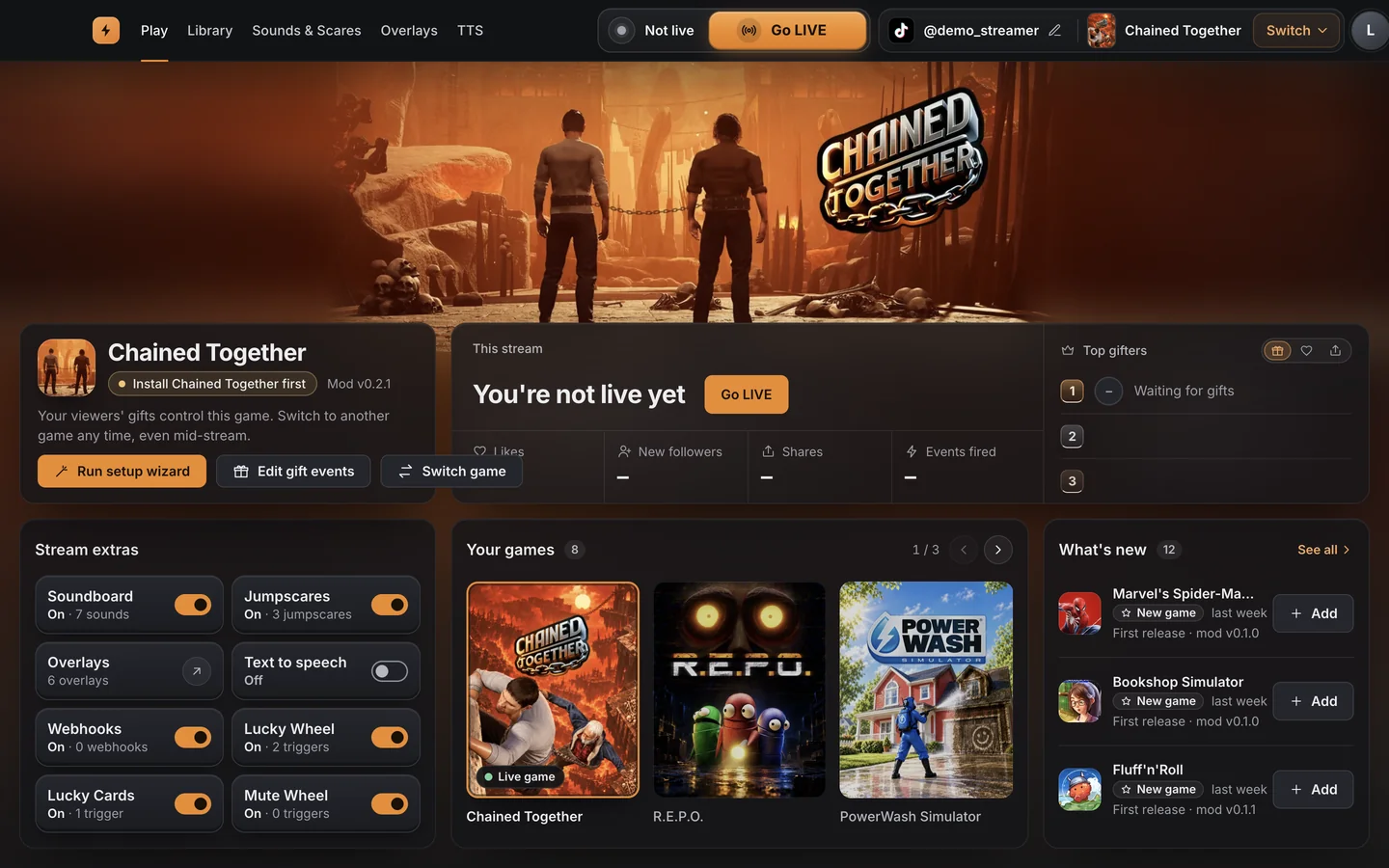
Stream extras on the Play page
The Play page has a Stream extras card with one tile per feature: Soundboard, Jumpscares, Overlays, Text to speech, Webhooks, Lucky Wheel, Lucky Cards and Mute Wheel.
- Click a tile to open that feature.
- Use the switch on a tile to turn the feature on or off. The word under the name shows On or Off.
- Overlays has an arrow instead of a switch: each overlay is turned on or off on its own.
The account menu
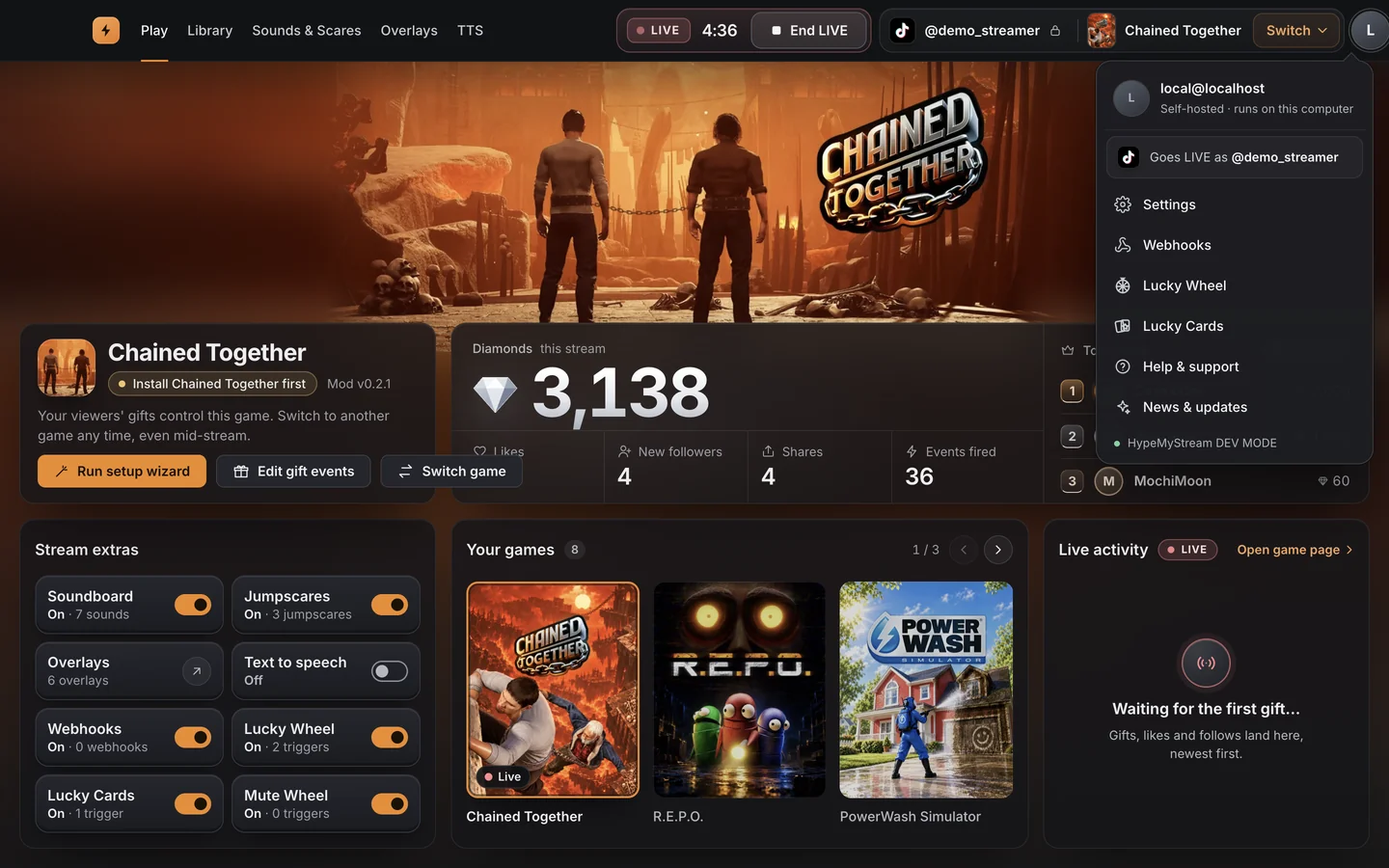
Click the round avatar at the top right to open the account menu. It has Settings, Webhooks, Lucky Wheel, Lucky Cards, Help & support and News & updates. There is no log out: the self-hosted version has no account.
Where sounds play
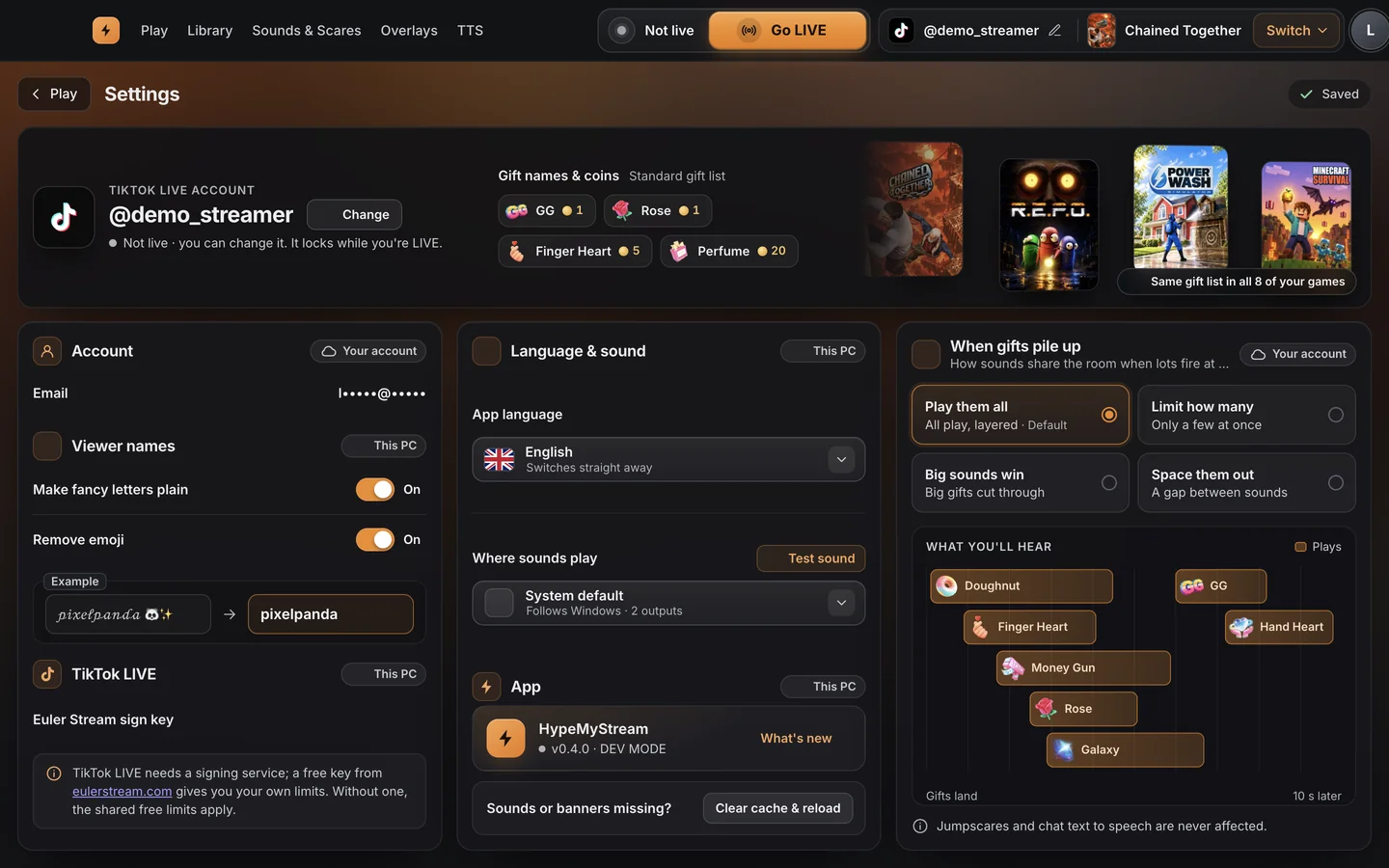
Gift sounds, jumpscare sounds and text to speech play on your computer, through the output picked in Settings → Language & sound → Where sounds play (default System default). Press Test sound there to check it. For viewers to hear them, your streaming app has to capture that output (in OBS, usually Desktop Audio).
Overlays, the Lucky widgets and the Mute Wheel play their own sounds inside the browser source. See Sounds from overlays.
Settings → When gifts pile up decides what happens when many gift sounds fire at once: Play them all, Limit how many, Big sounds win or Space them out. Jumpscares and chat text to speech are never affected.